GETTING STARTED
Theme
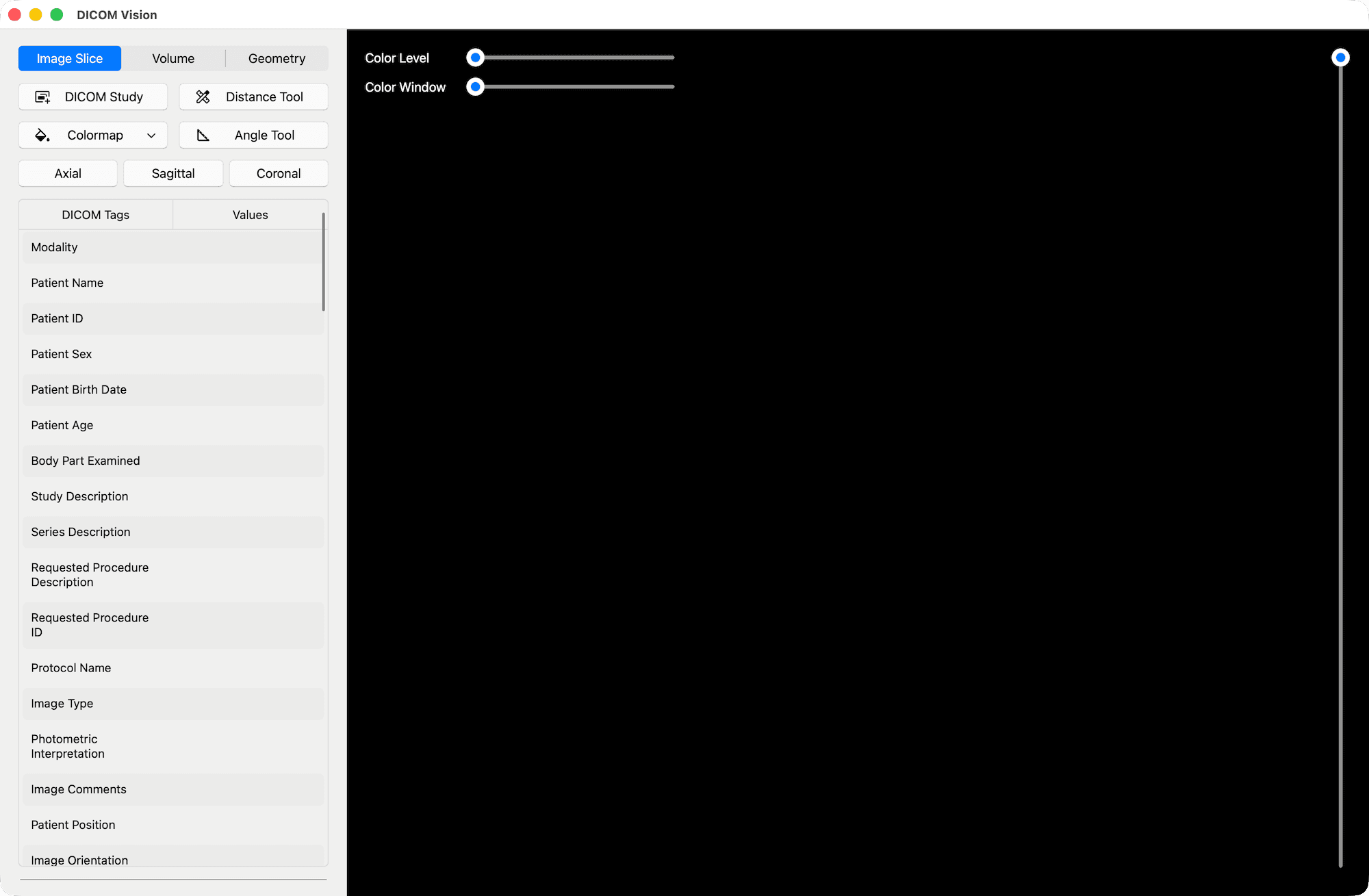
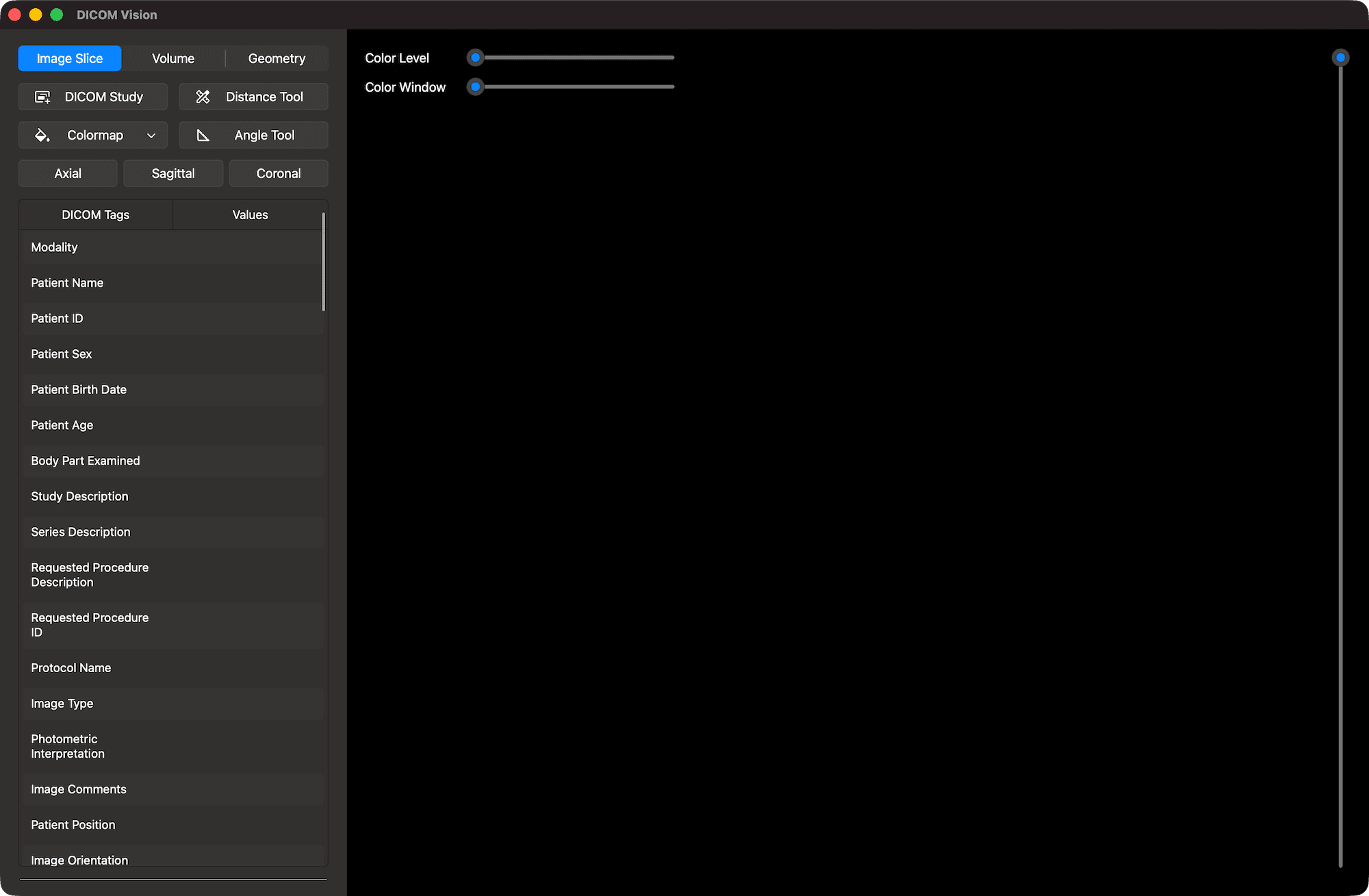
DICOM Vision supports both Light and Dark mode. By default, the application's theme is synced to your device's system theme. However, you can explicitly set the application's theme to Light or Dark mode. When either of these is selected, your device's theme is ignored. Set the application at any time from the Menubar, under the View Menu.
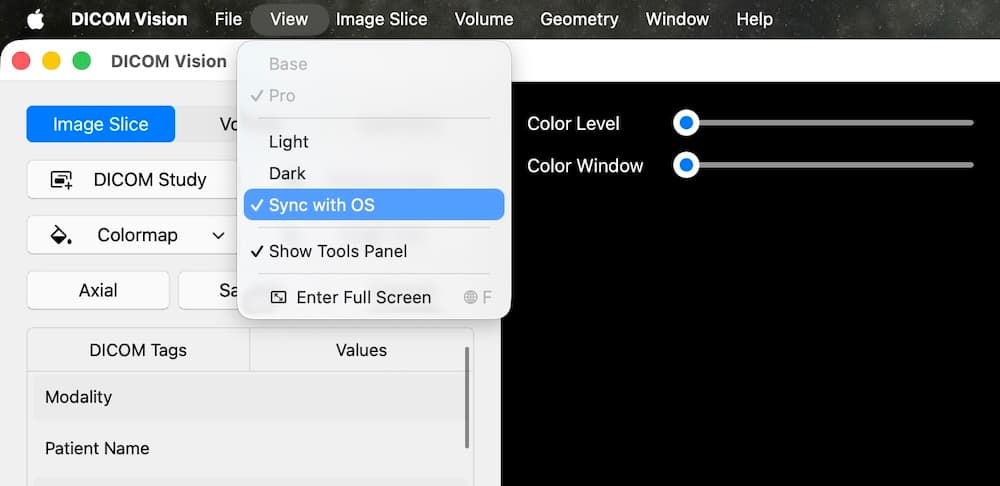
Your choice is saved, and is automatically applied on startup.
© 2026 Marceda Ventures Limited.