Region of Interest Tools
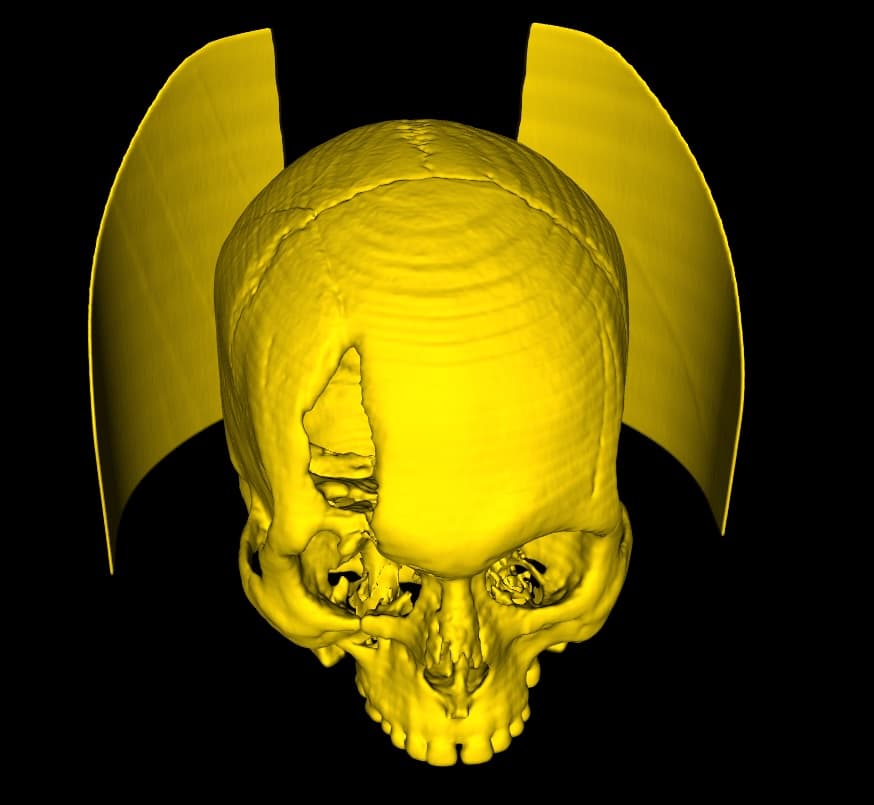
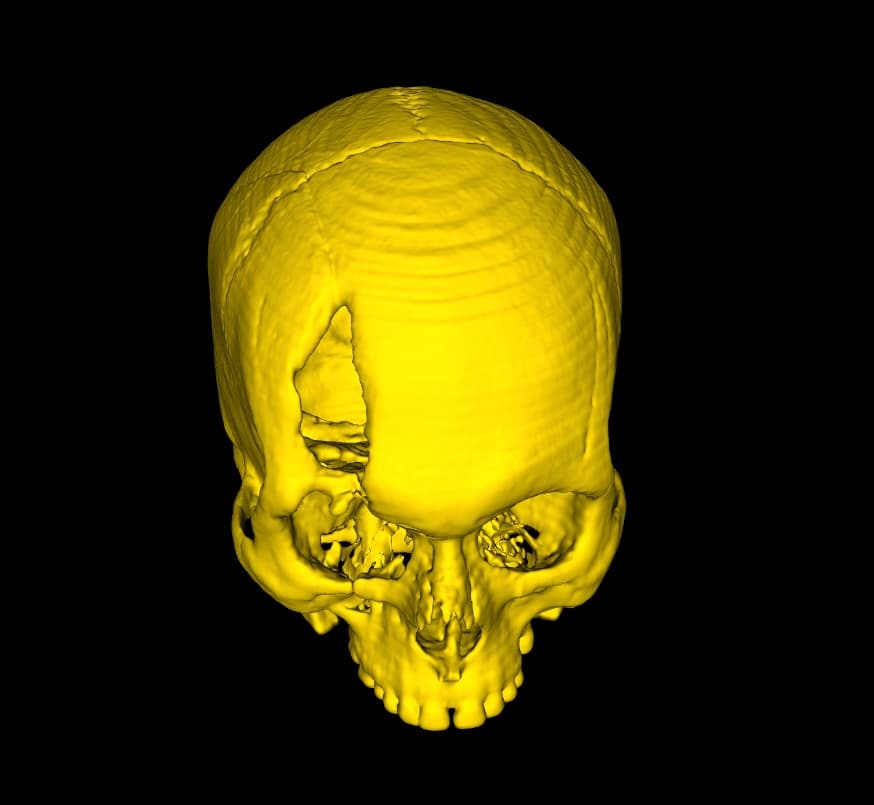
As stated in the Isosurface Creation section, given a minimum and maximum value, a 3D Surface will be created representing the areas in your image data that fall within this threshold. Occasionally, the resulting 3D model will contain disconnected regions that you have no interest in. The ROI tools are useful in these situations.
Extract the Largest Connected Surface
This is a relatively simple tool. The size of each disconnected part is calculated, and all but the largest are discarded. Simply click the 'Largest ROI' button, and the largest individual part alone will remain in the Viewer.
Select Regions of Interest
This tool works in a slightly different way. All disconnected parts are identified and temporarily treated as separate models. Click the 'Select ROI' button, and DICOM Vision will take a moment to separate each part. When it is ready, all will be displayed in red. Left-Click on each part that you want to keep. Any part you select will turn green. Right-Click on any part you accidentally select, turning it red once again.
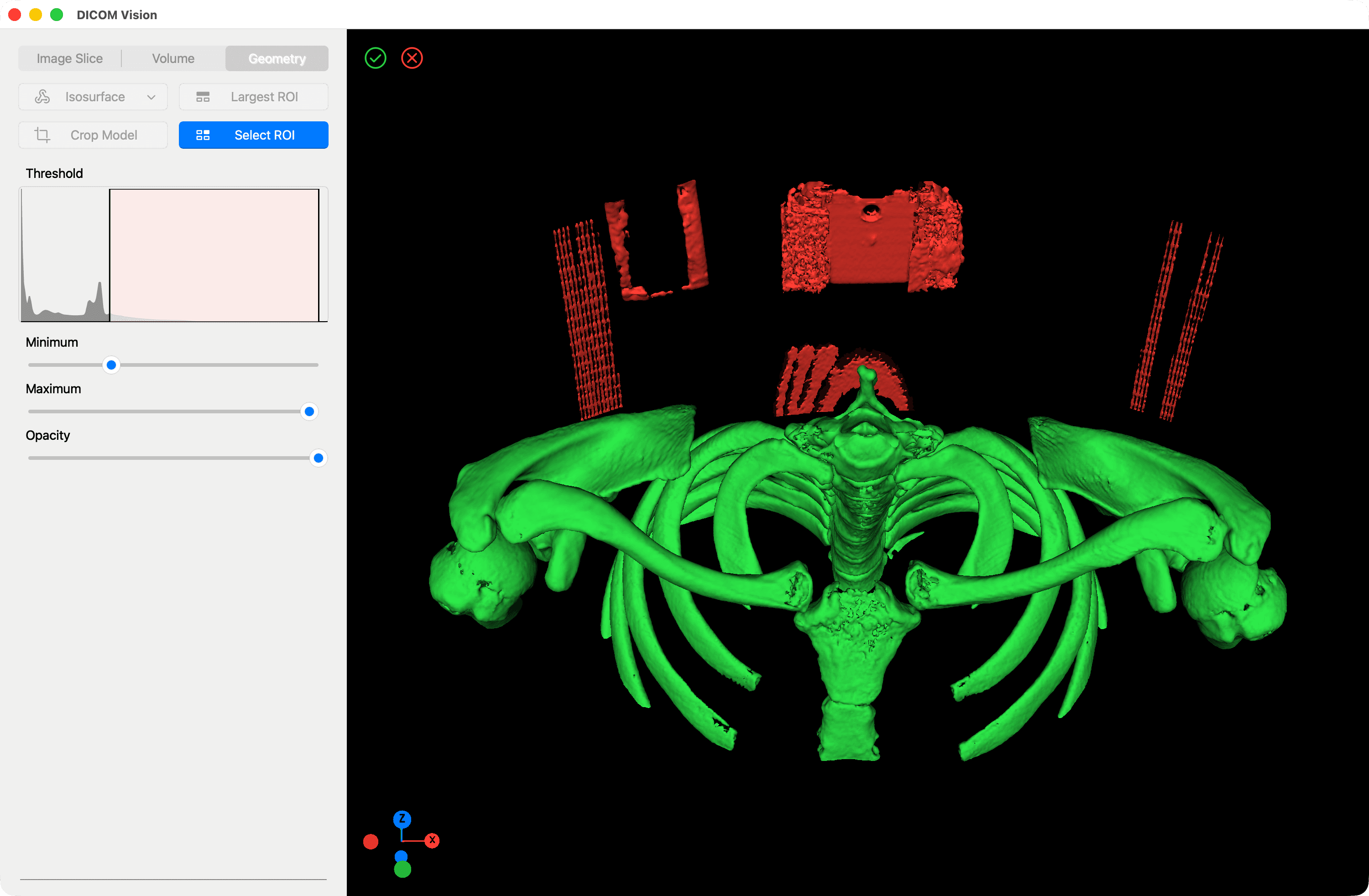
Once complete, select the green 'Tick' button found at the top-left of the Viewer to discard all parts in red, or the 'Cancel' button to cancel the operation. You can deactivate this tool at any time, by clicking the 'Select ROI' button once more.