In-App Purchases
DICOM Vision has two license plans:
- Standard: Unlocks access to all 2D features. This includes all features found in the Image Slice tab.
- Pro: Unlocks access to all 2D & 3D features. This includes all features found in the Image Slice, Volume and Geometry tabs.
DICOM Vision has no subscriptions. These are lifetime licenses, purchased for a one-time fee.
App Store
On Macs, all purchases go through the App Store, and are tied to your Apple account. This means that any purchase you make will be available on all your Apple devices.
DICOM Vision offers a 7-Day free trial with all features enabled. This allows you to explore all features, and see which plan suits you best. At the end of the free trial, continued access will require a purchase of either the Standard or Pro plan. You can check when your free trial is due to expire from the menubar under the Help menu: Help → My License. A dialog with your exact expiry date will appear, similar to the one below. The expiry date is in UTC time. As DICOM Vision doesn't track your location, you will have to convert this to your local time.
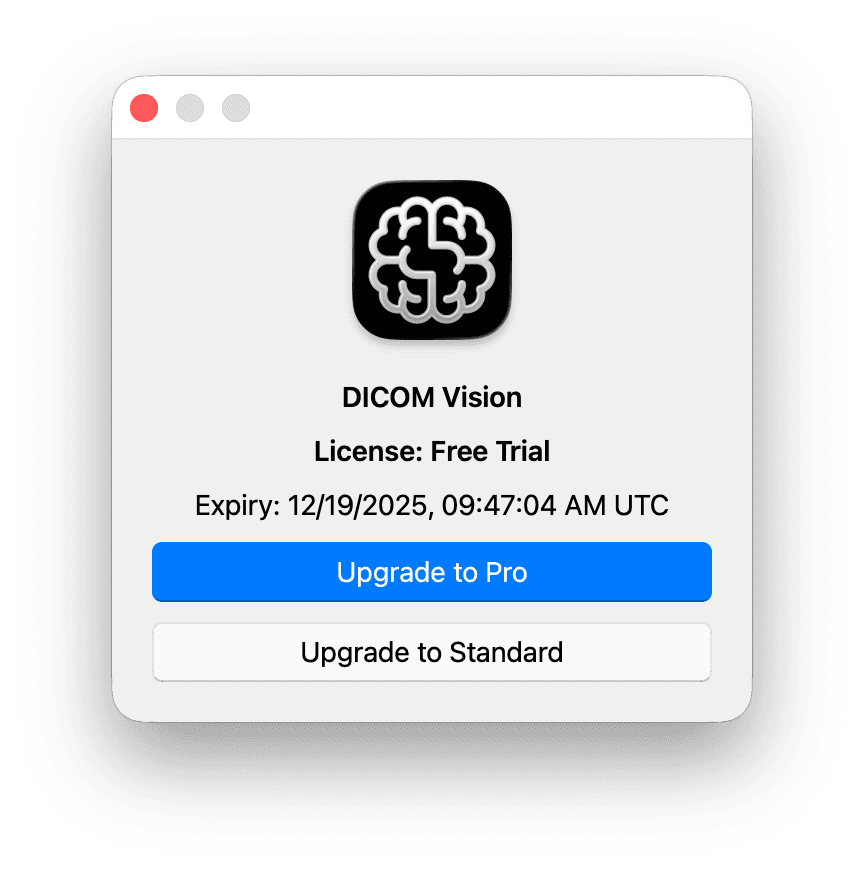
From the license dialog, you can upgrade to either of the Standard or Pro plans. Click any of the two buttons, and you will be presented with the In-App Purchases (see below). The currency and pricing are retrieved from the App Store and will be localized to your country. Select 'Buy' on any plan, and a purchase will be initiated through the App Store.
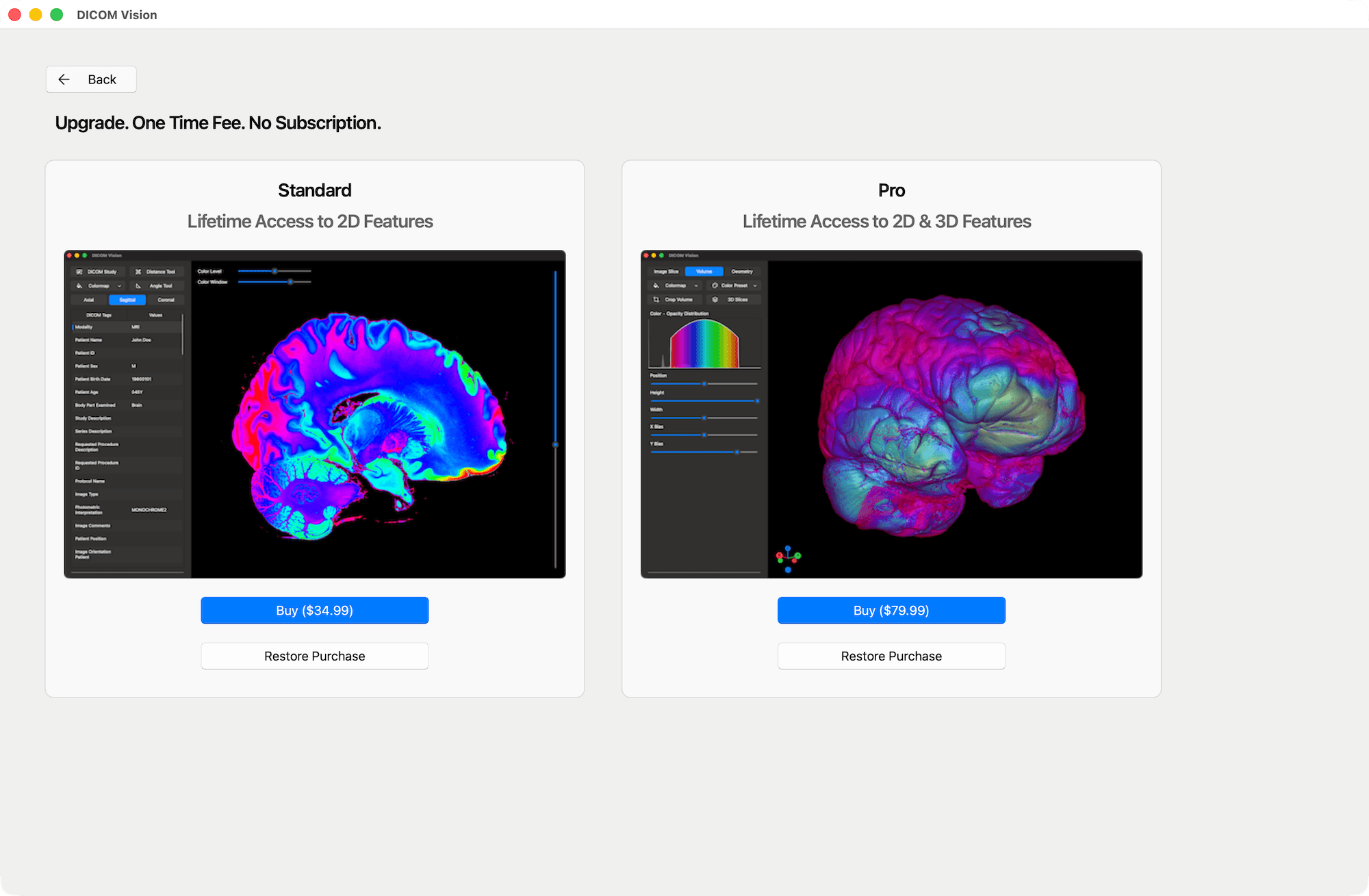
If you install DICOM Vision on a new device, and had made a purchase of either plan from your previous device, click the 'Restore Purchase' button. All your previous purchases for DICOM Vision will be retrieved from the App Store. If any of the above is found, your purchase will be restored.
If you purchase the Standard plan, you can upgrade to the Pro plan at a later date, through the Help menu in the menubar: Help → My License → Upgrade to Pro.
Microsoft Store
Similar to the App Store, any purchase you make on your Windows device goes through the Microsoft Store, and is tied to your Microsoft account. This means that any purchase you make will be available on all your Windows devices.
When you first open DICOM Vision on your PC, a 7-Day Free Trial will automatically begin. All features are enabled during this period. After the 7 days, continued access will require a purchase of either the Standard or Pro plan.
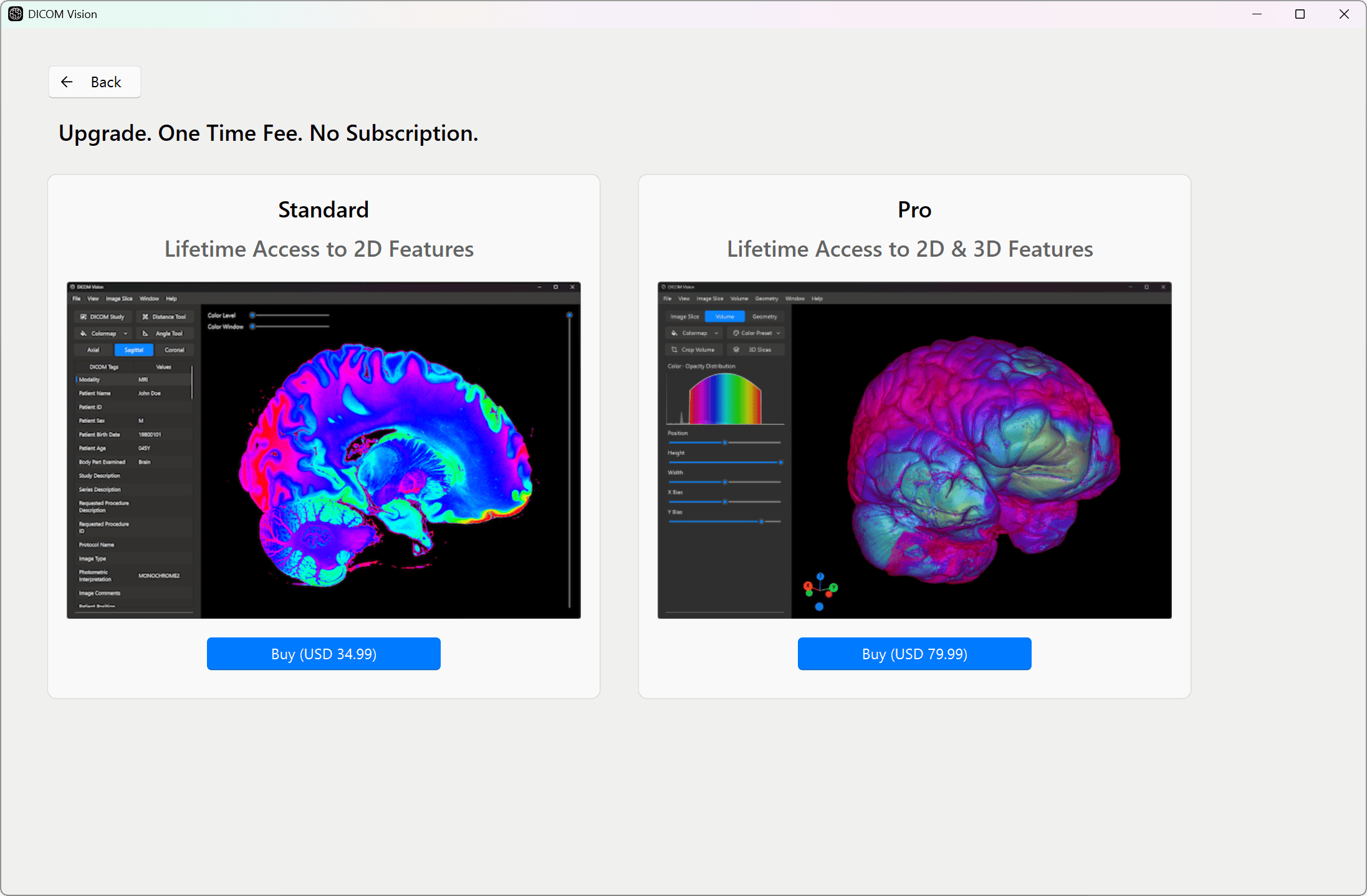
The currency and pricing are retrieved from the Microsoft Store and will be localized to your country. Select 'Buy' on any plan, and a purchase will be initiated through the Microsoft Store.