3D Slices
A 3D representation of the 2D axial, sagittal and coronal slices can help you gain new insights from your image data, identifying correlation of features across planes.
To activate this tool, simply select the '3D Slices' button. Slices in all 3 orientations will instantly appear, adopting the colormap applied to your slices in the Image Slice tab. This includes the applied Color Level and Color Window.
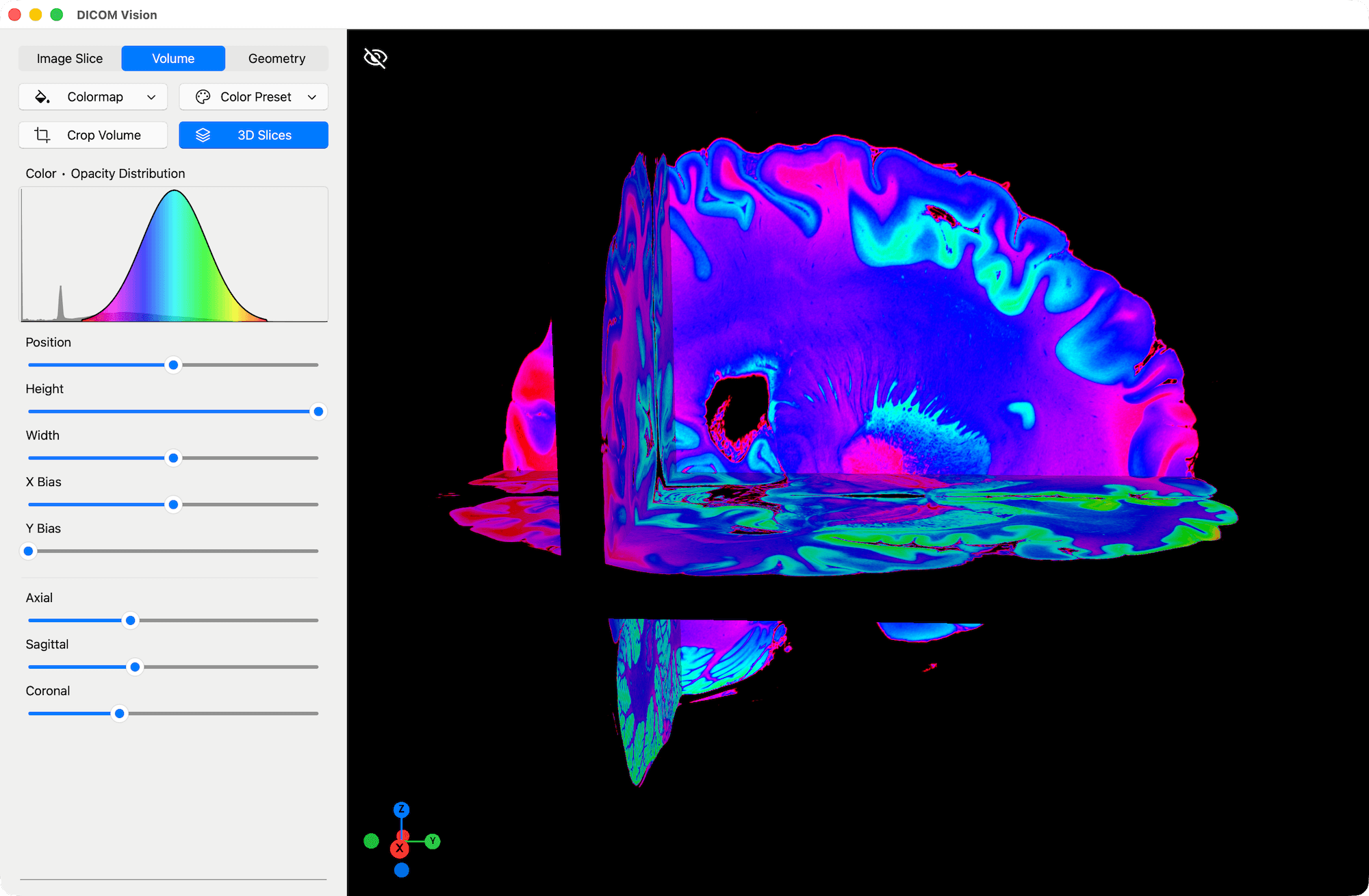
Use the Axial, Sagittal and Coronal sliders, found towards the bottom of the Tools Panel. As you drag each slider, you will see the respective 2D Slice updated in the 3D Scene.
At the top-left of the Viewer, there is a 'Show/Hide' button. Click this to hide/show the volume render present in the Viewer. This interaction can give you a very clear demonstration of how the 3D Volume render is generated from the 2D slices, especially if both the volume and the slices have the same colormap applied.