Medical Visualization On The Go
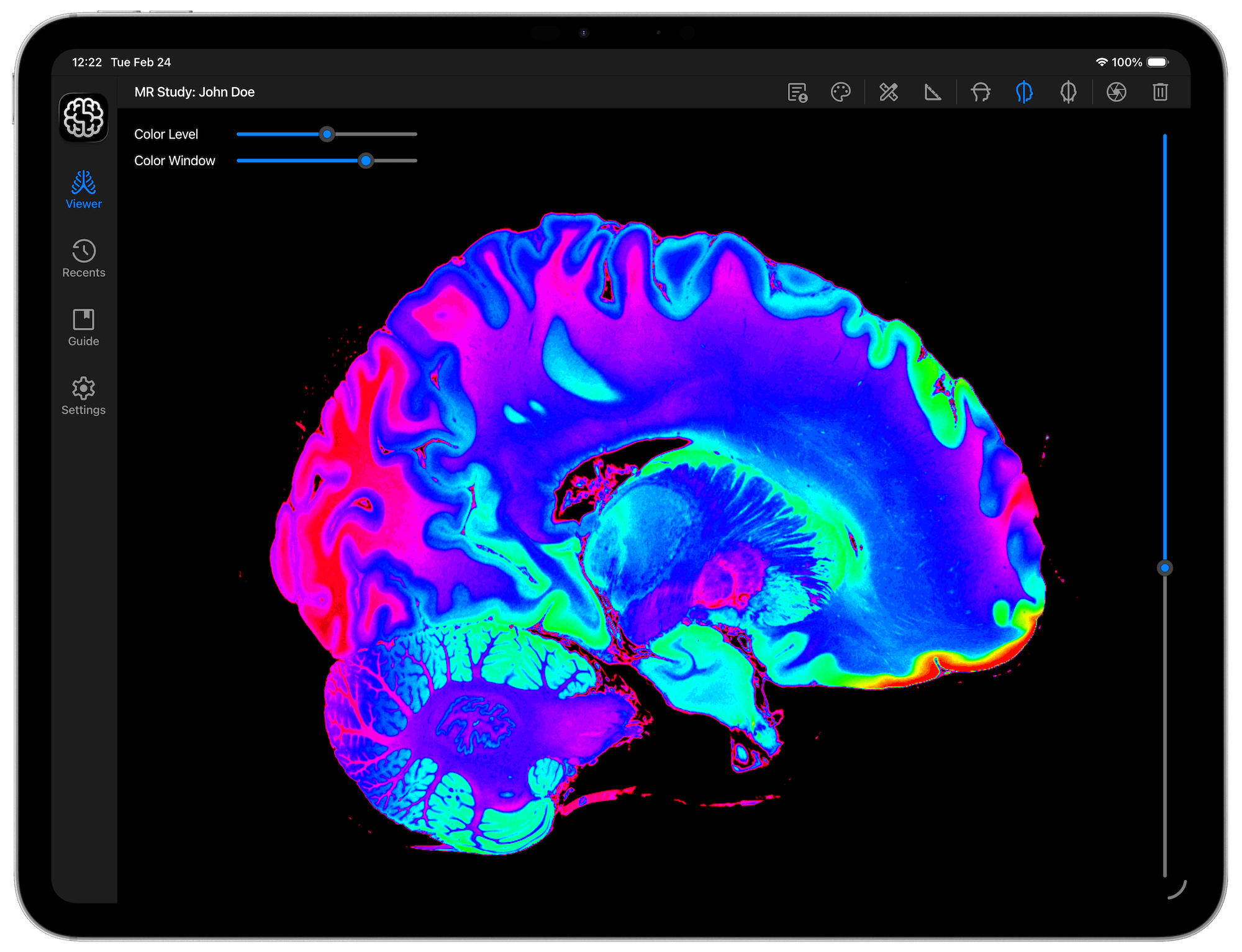
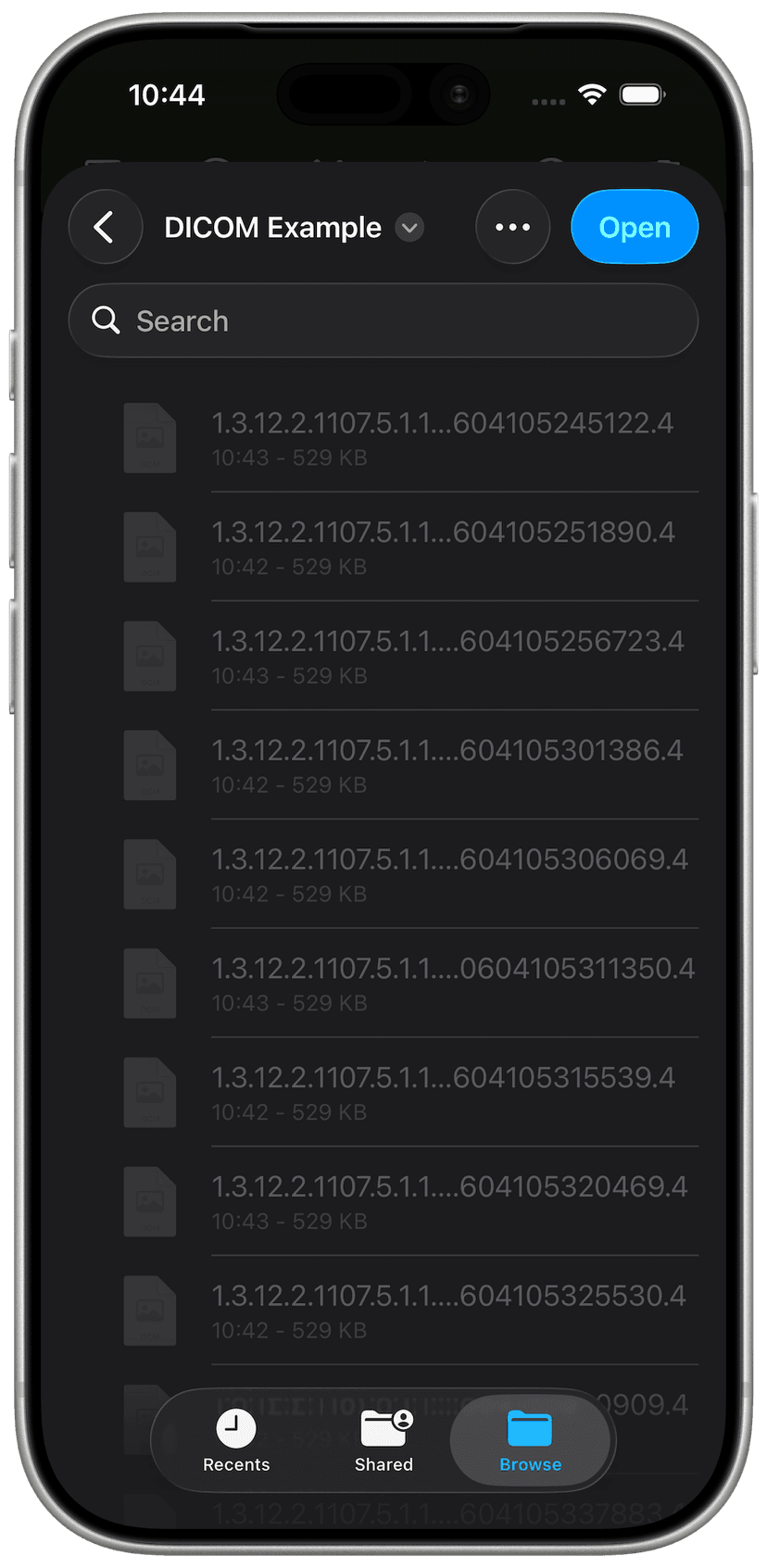
DICOM Vision Go is a professional, touch-native DICOM Viewer designed for mobile devices. Featuring advanced image processing and an intuitive mobile design, DICOM Vision Go lets you view, compare, and interpret studies seamlessly anywhere, anytime.
Visualize your images on iPad and iPhone
Optimized for iOS, DICOM Vision Go allows you to fit a complete DICOM Viewer in your pocket
Optimized for iOS, DICOM Vision Go allows you to fit a complete DICOM Viewer in your pocket
Measure Tools
Quantify anatomical features with precision
X & Y Axes
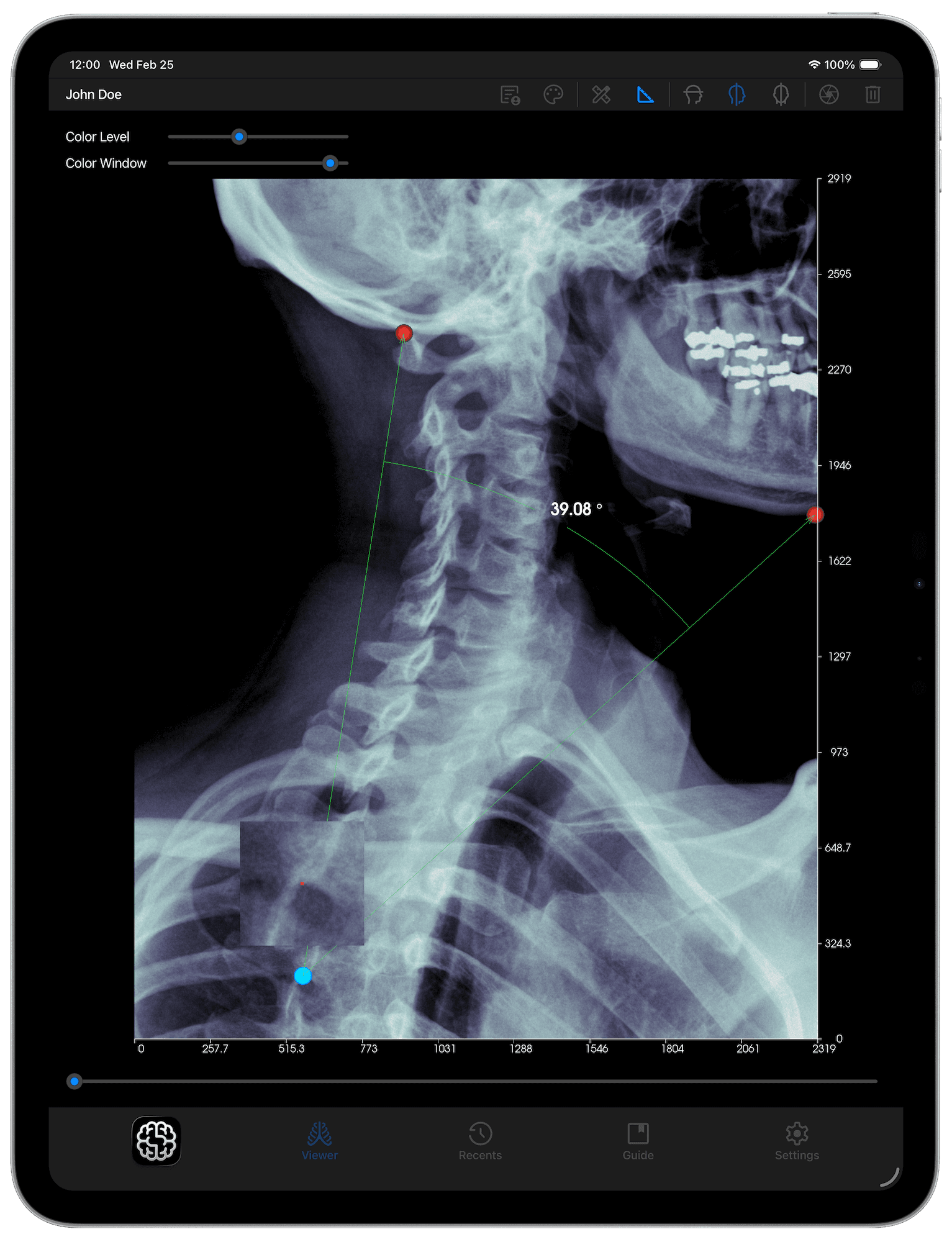
X & Y axes, featuring 10 equally spaced points, are added onto the length and width of each slice in view. Each point includes the distance from the origin.
Angle Tool
The Angle Tool gives you the ability to mark three points on an image, and the angle between the three will be calculated and displayed.
Distance Tool
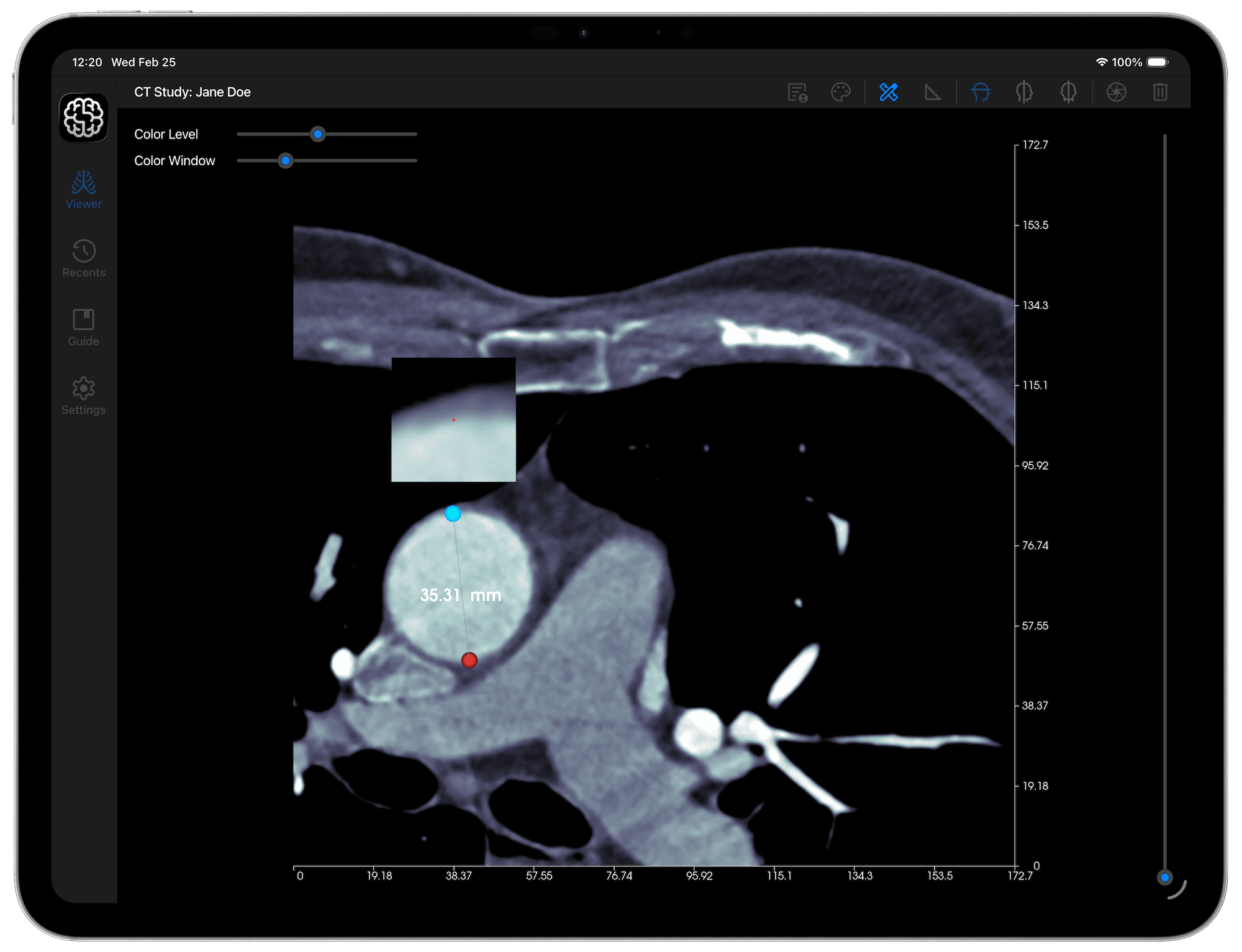
With the Distance Tool, you can mark any two points on an image, and the distance between the two will be calculated and displayed in real time.
Magnifier
This tool allows for precise point placement as you refine your measurement. Drag any of the Distance or Angle Tool's handles to activate it.
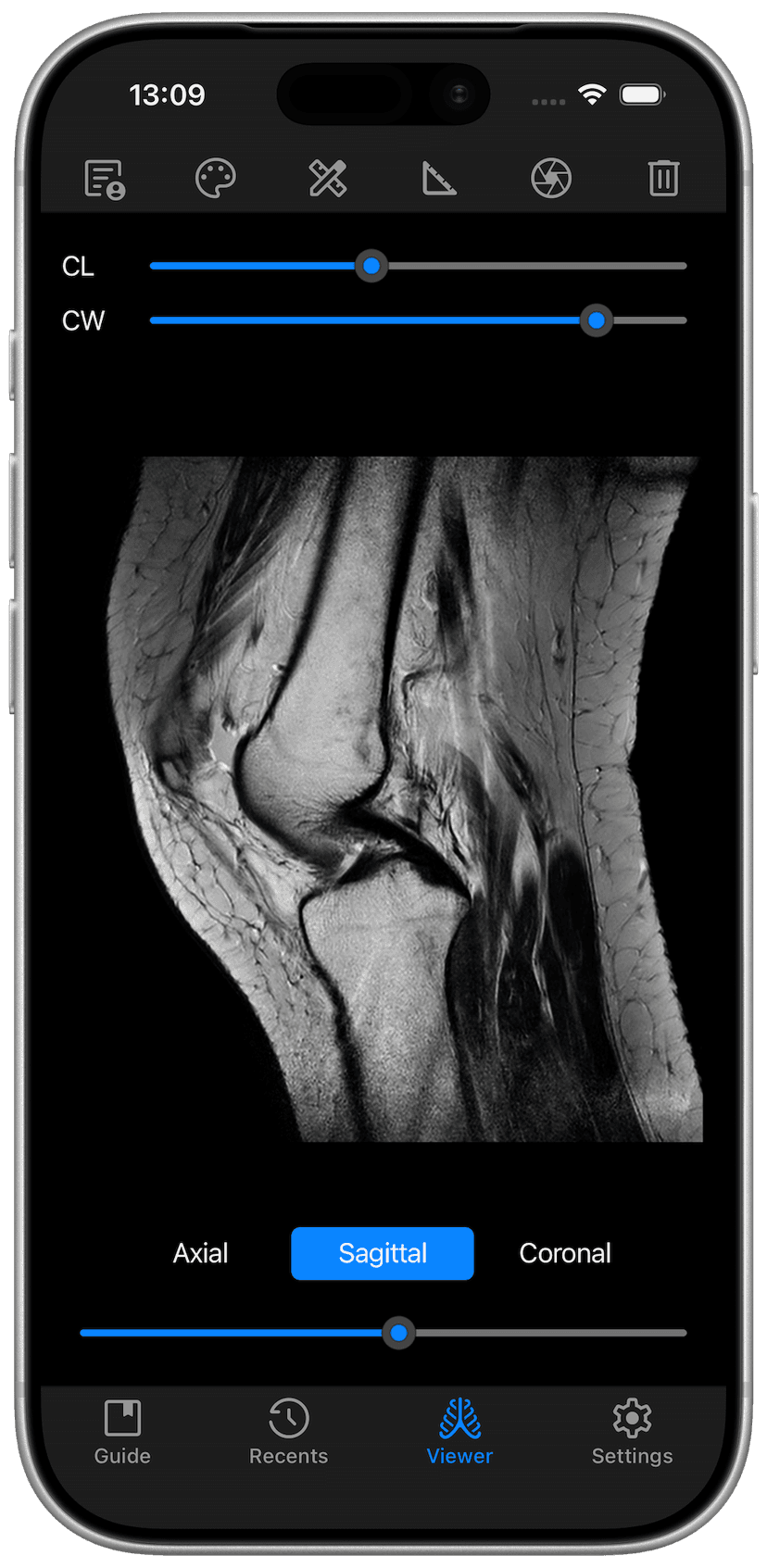
Switch Orientations
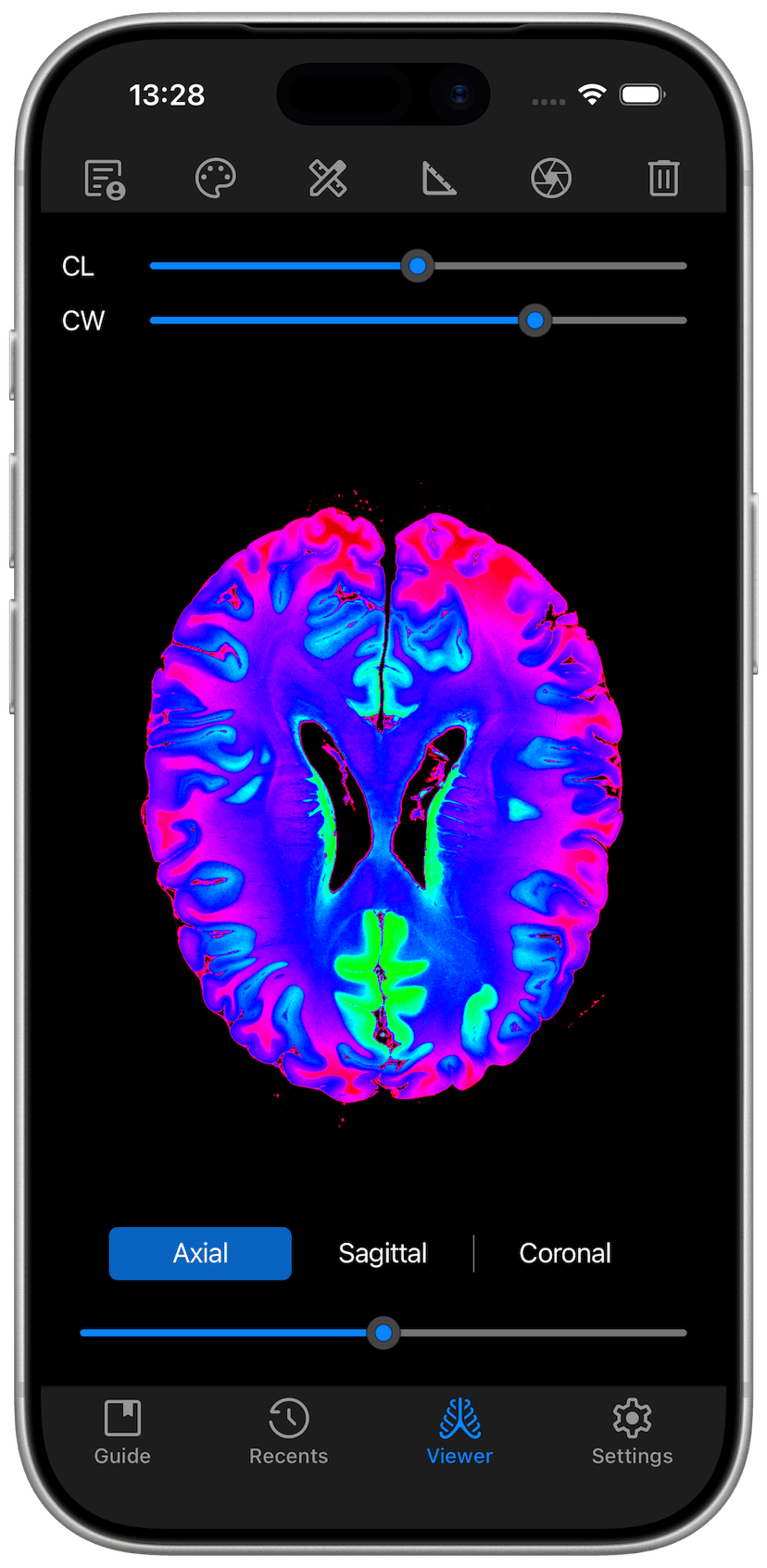
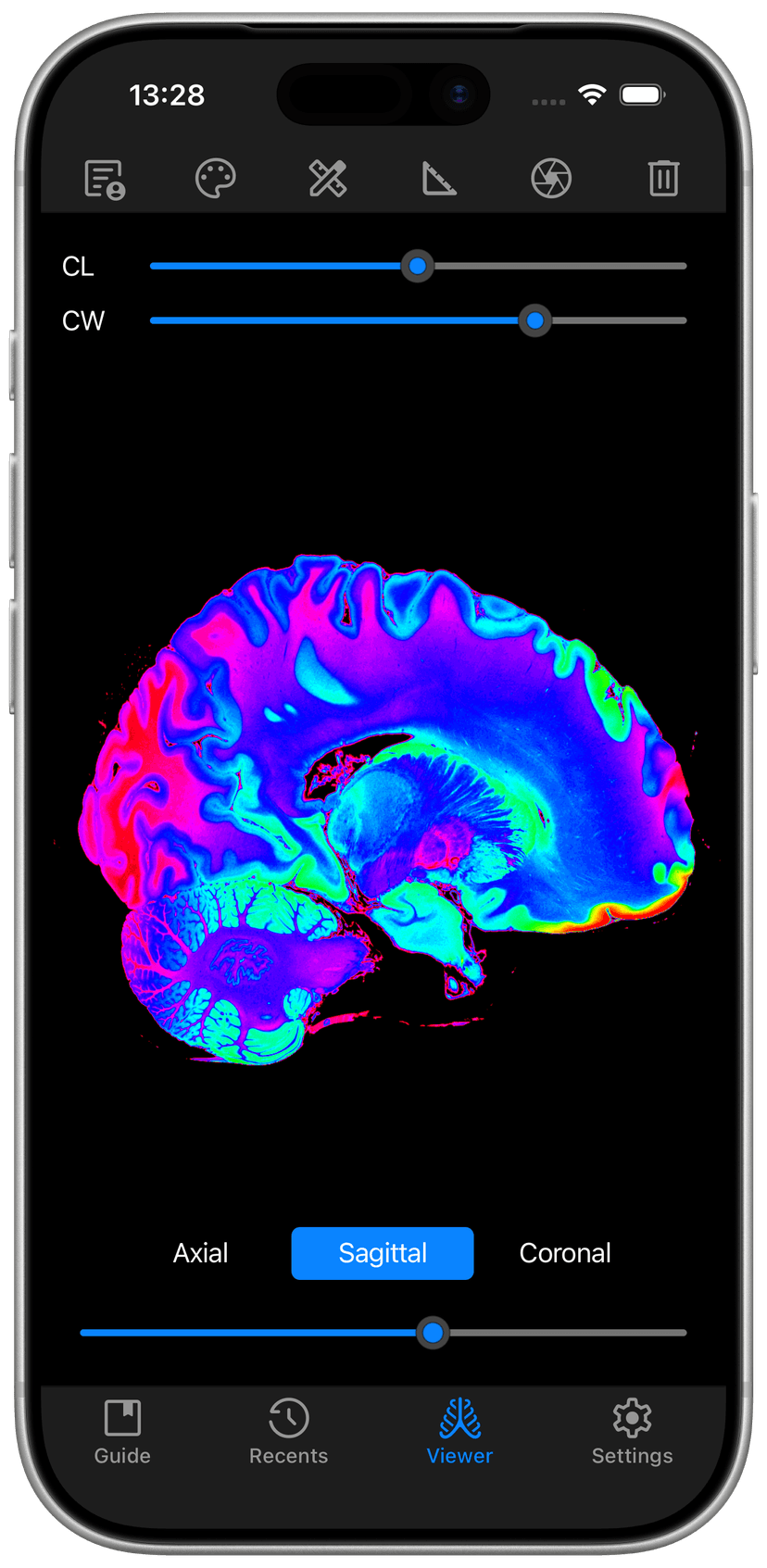
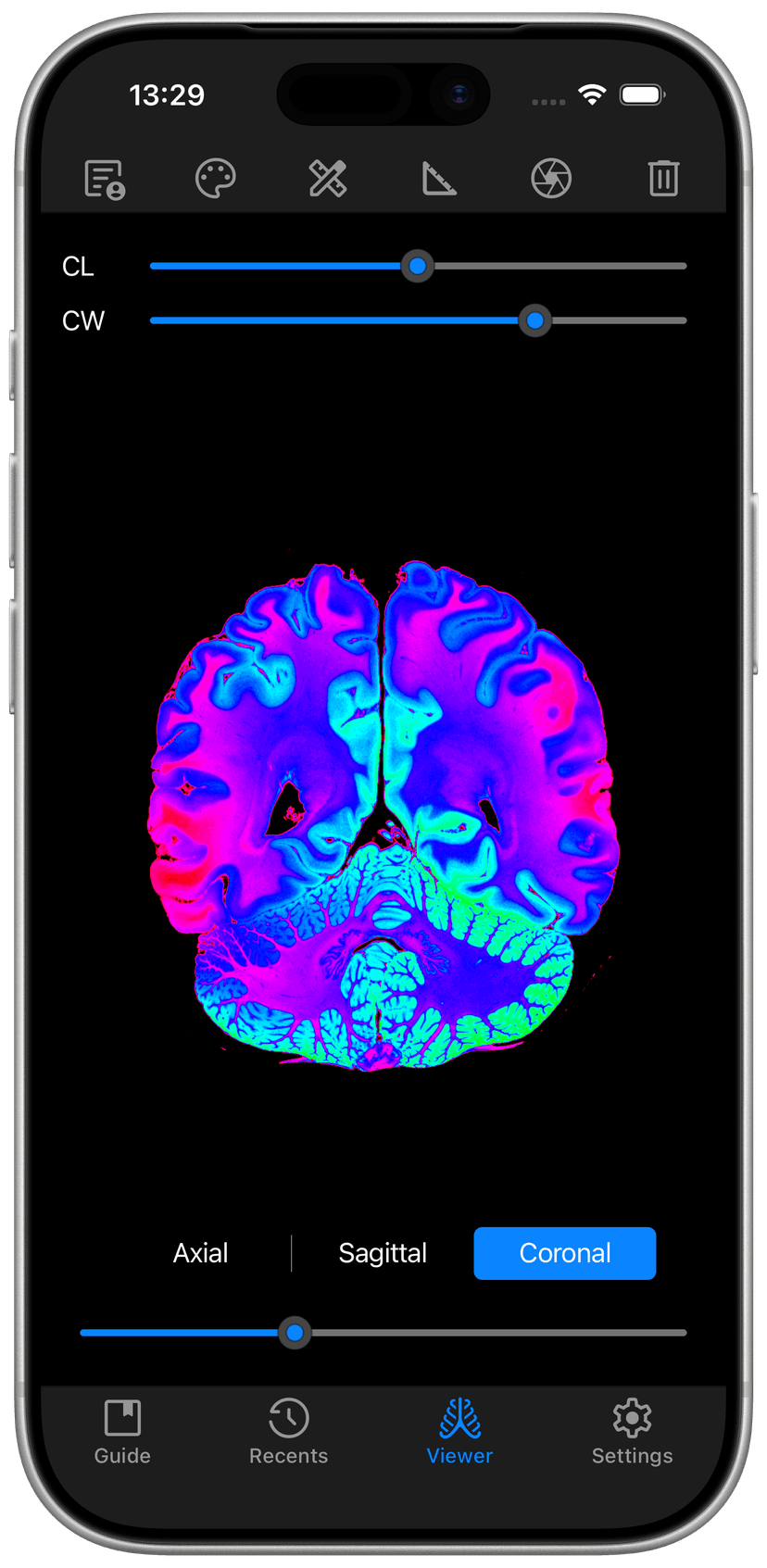
Switch between Axial, Sagittal and Coronal Orientations reconstructed from a single study
And More
Brightness & Contrast
Adjust the brightness and contrast of your images using the Color Level and Color Window Sliders respectively.
Colormaps
Apply distinct scientific and DICOM standard colormaps to enhance your view of the intricate details in each slice.
Interact
Built for touchscreen interaction, use the standard pinch gestures to pan, zoom in and zoom out of your images.
Share
Capture screenshots of individual slices in PNG Format, and share using any communication app on your device.
