Medical Visualization Made Simple
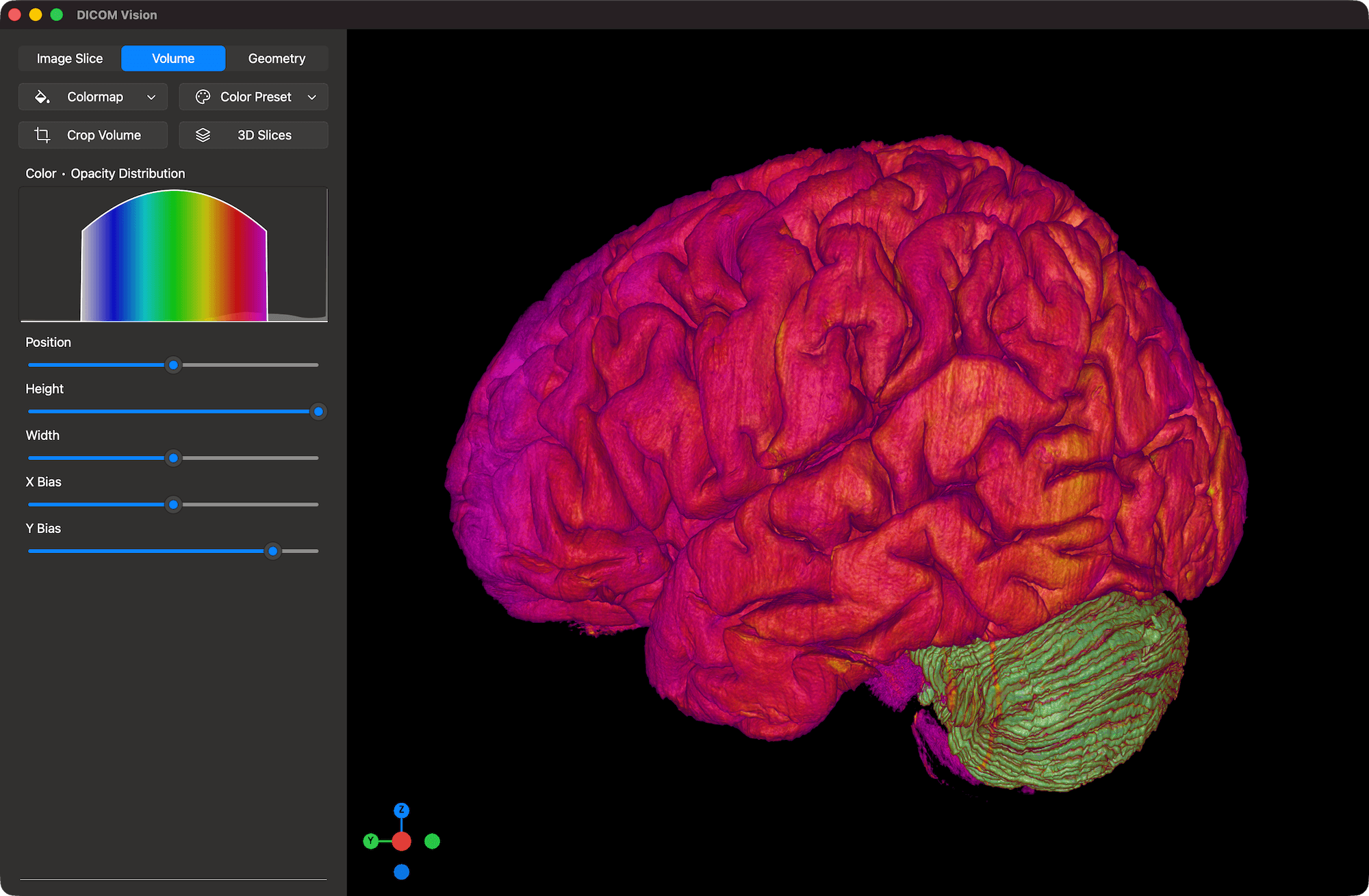
DICOM Vision is a powerful, user-friendly DICOM Viewer designed for medical professionals. Featuring an extensive collection of tools, DICOM Vision empowers users to instantly visualize and interact with complex anatomical data across detailed 2D slices and intuitive 3D reconstructions.
Visualize your images in 2D and 3D
DICOM Vision groups features into 3 Tabs, each offering distinct methods of visualization
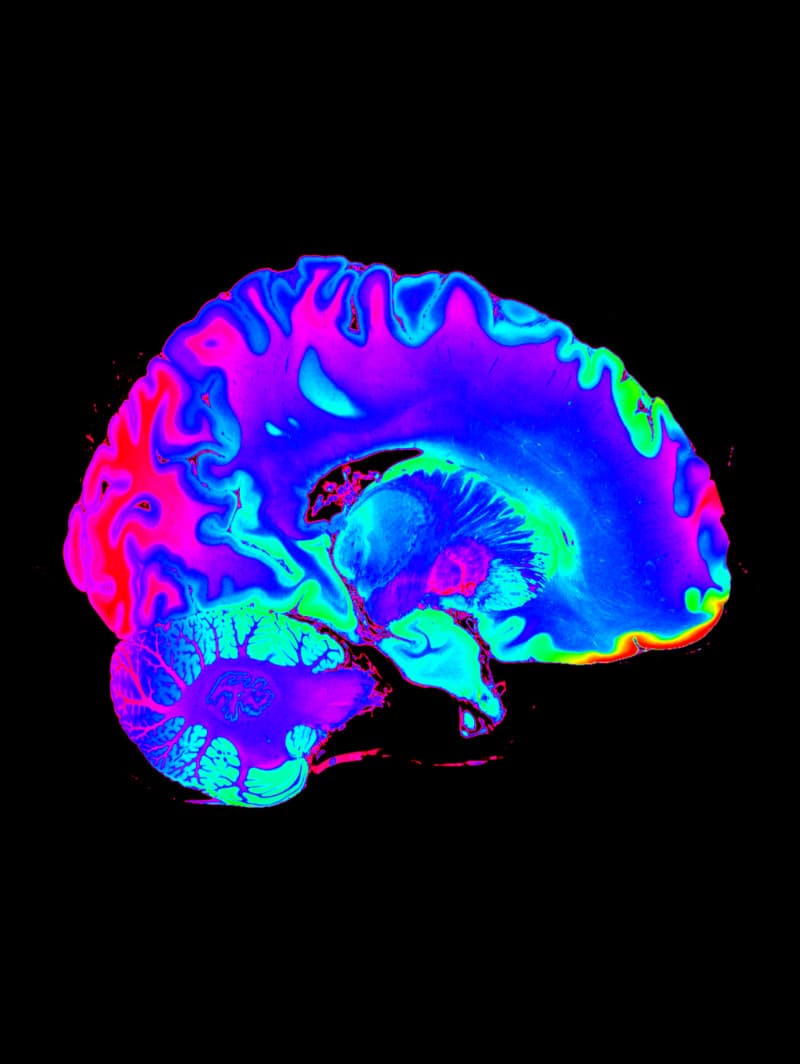
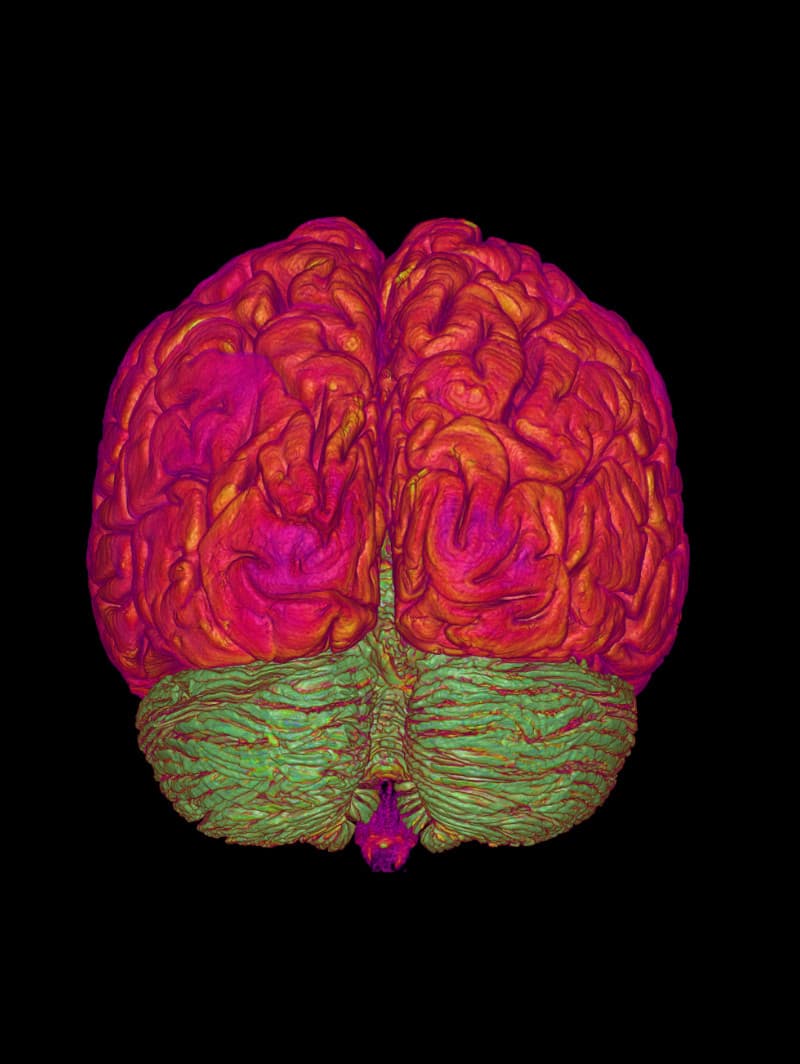
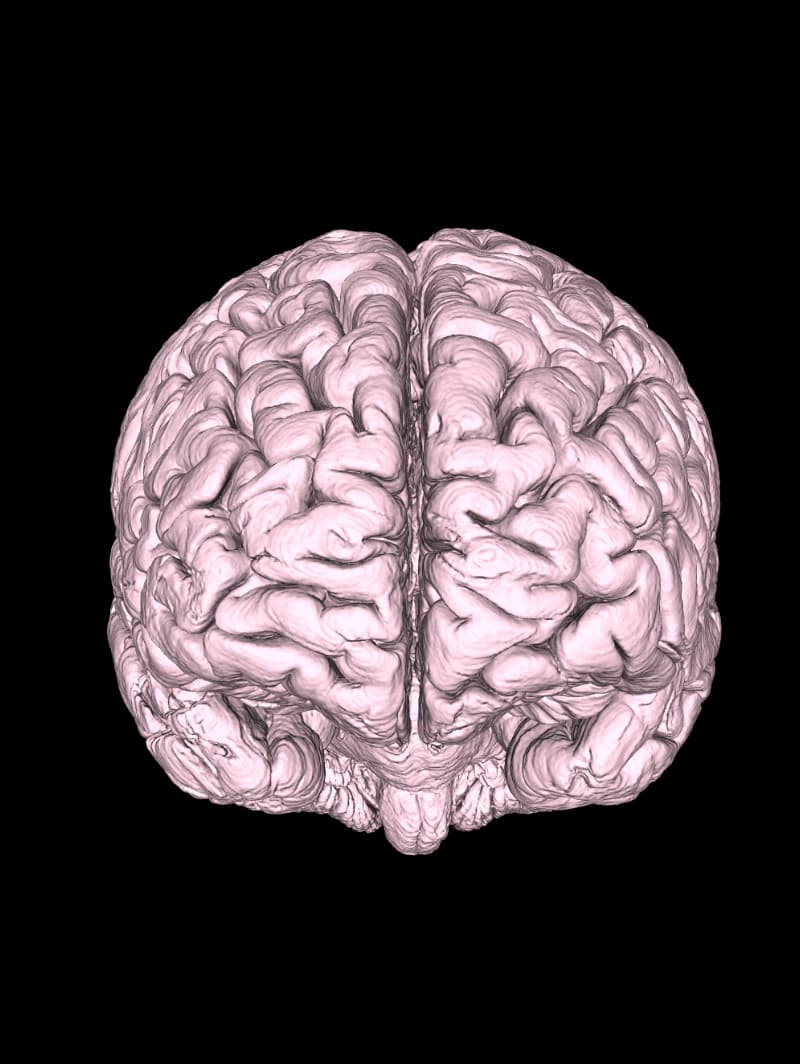
Image Slice
Compatible with DICOM Images in all formats, DICOM Vision offers you an extensive toolset to visualize your images.
Measure
Tools
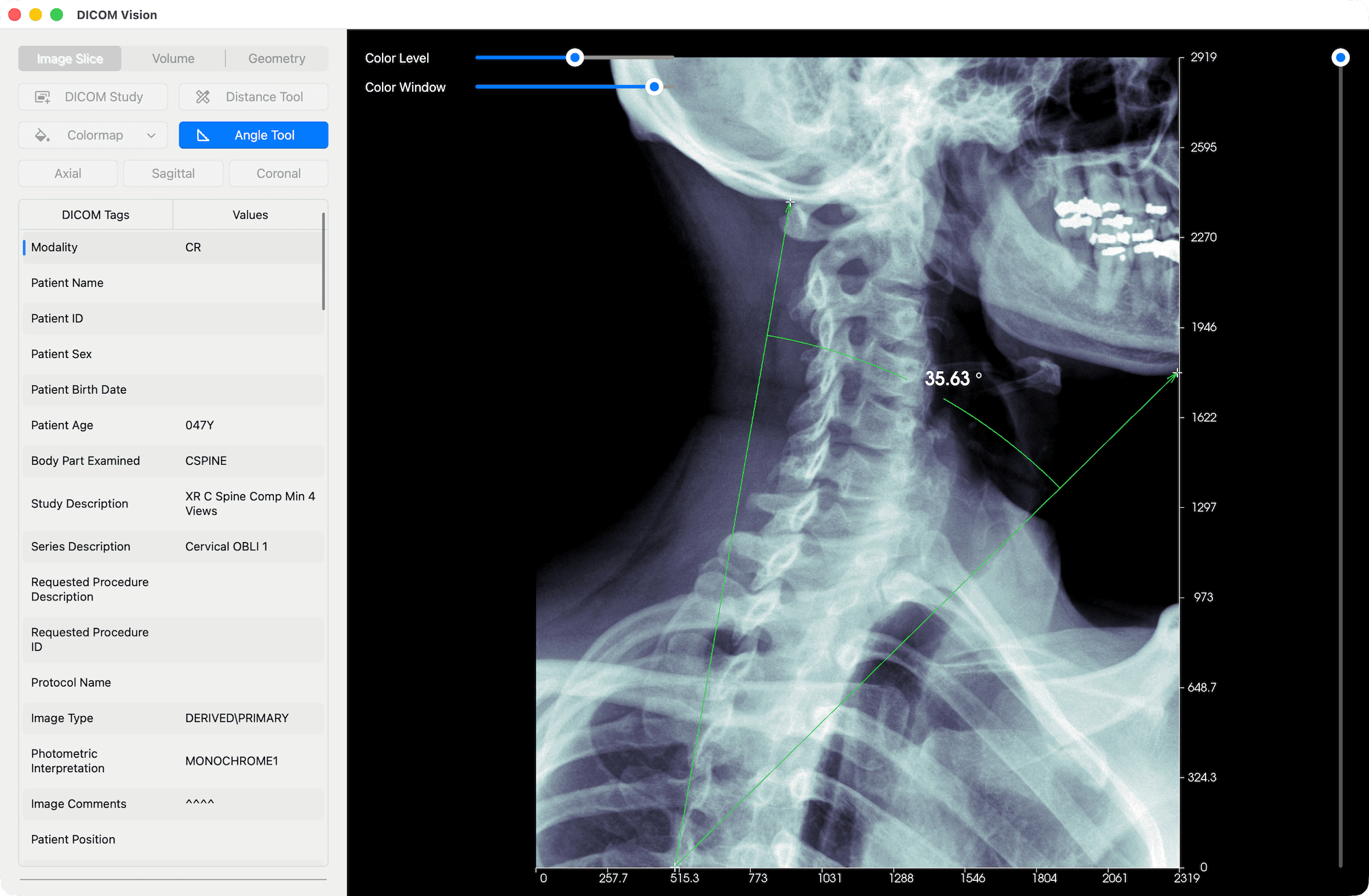
X & Y axes, featuring 10 equally spaced points, are added onto the length and width of each slice in view. Each point includes the distance from the origin.
The Distance Tool gives you the ability to mark any two points on an image, and the distance between the two will be calculated and displayed in real time.
With the Angle Tool, you can mark three points on an image, and the angle between the three will be calculated and displayed in real time.

Adjust Contrast & Brightness
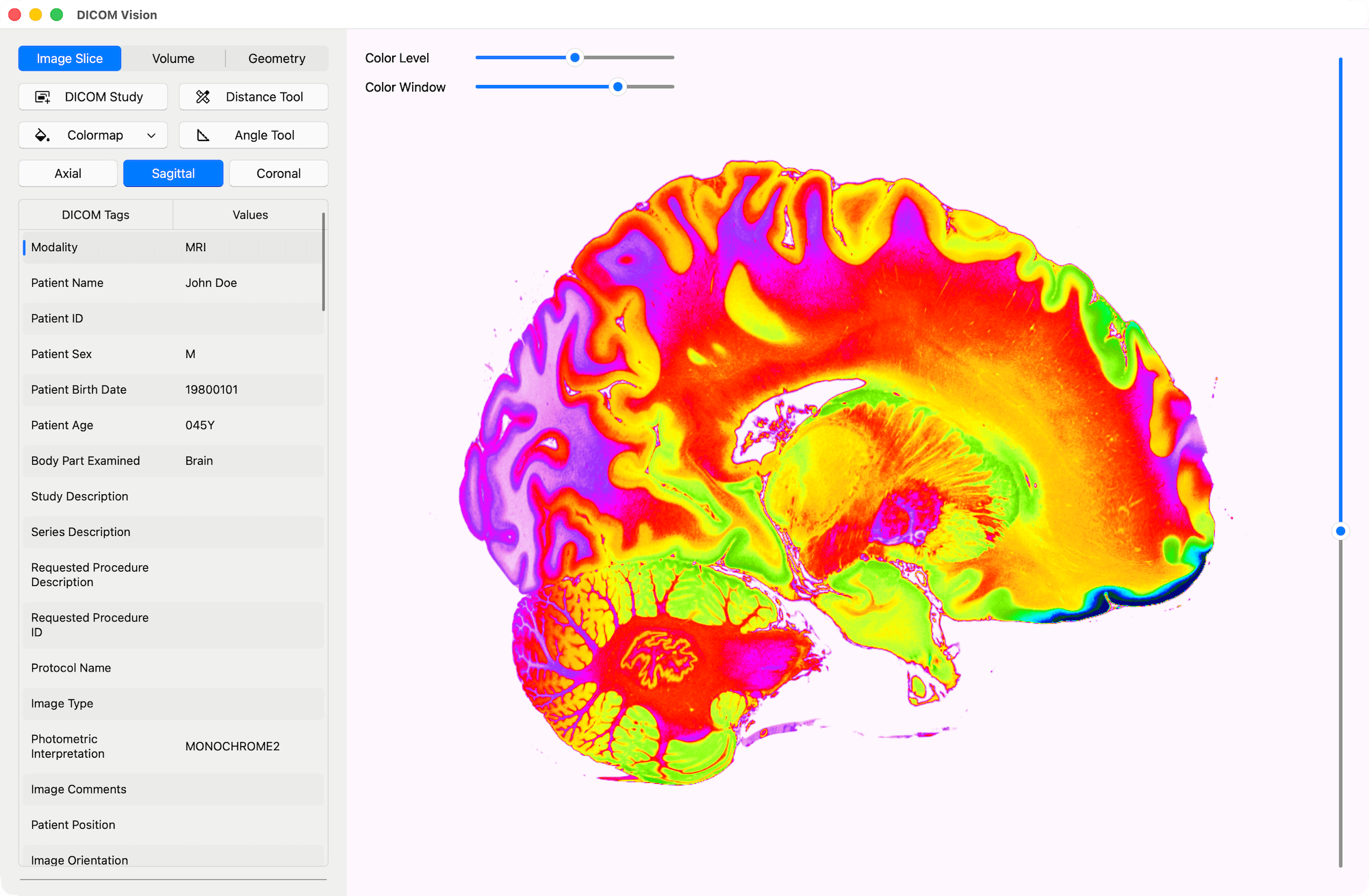
Use the Color Level slider to adjust the brightness, and the Color Window slider to adjust the contrast, of your images.
Apply Colormaps
Apply distinct colormaps to enhance your view of the intricate details in each slice.
Orientations
Switch between Axial, Sagittal & Coronal orientations, and scroll through slices to get a full 3D representation of your images.
Volume
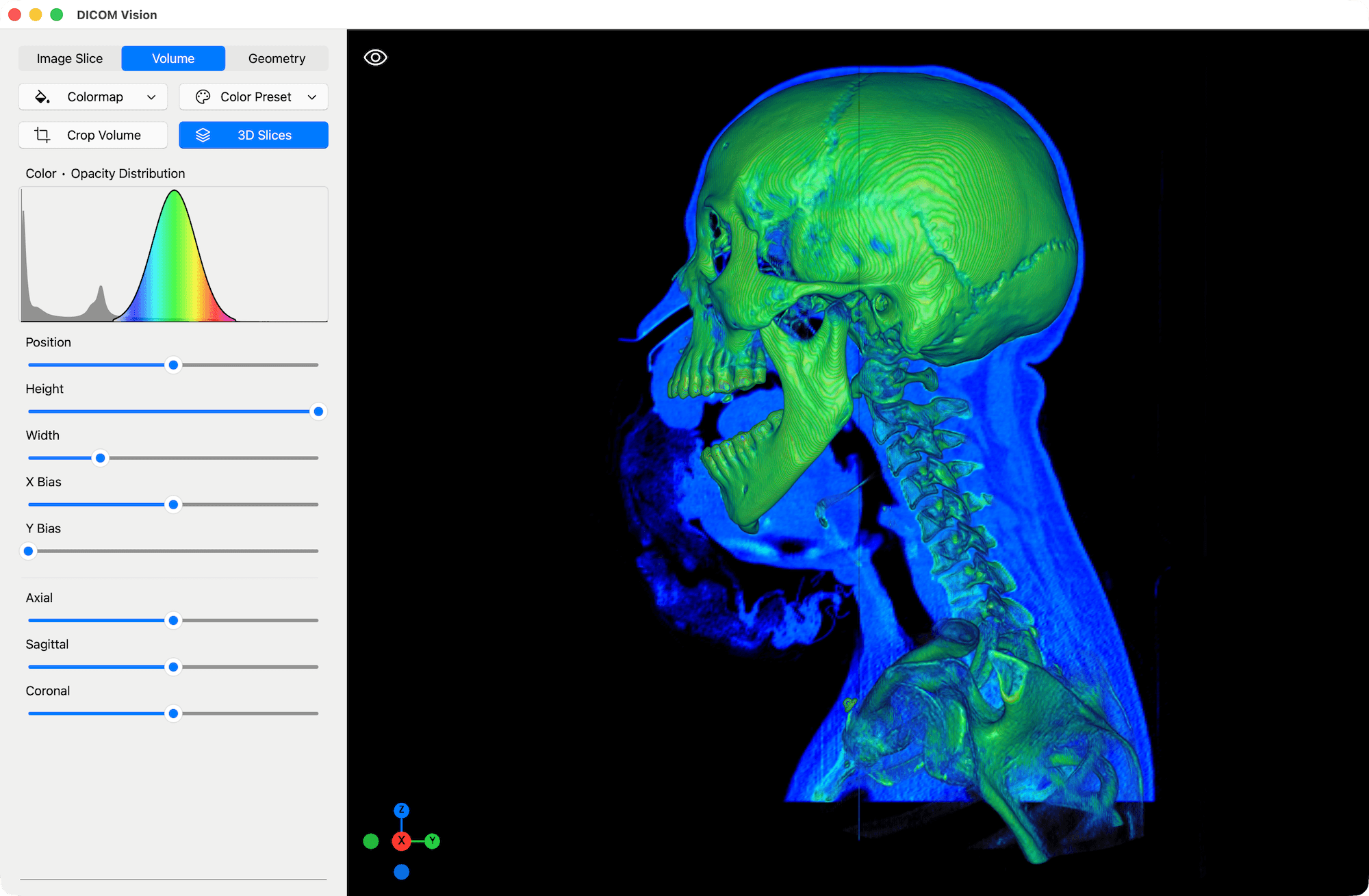
Apply Volumetric Colormaps or Color Presets to create Interactive 3D Volume Renders of your Images.
Apply Colormaps & Presets
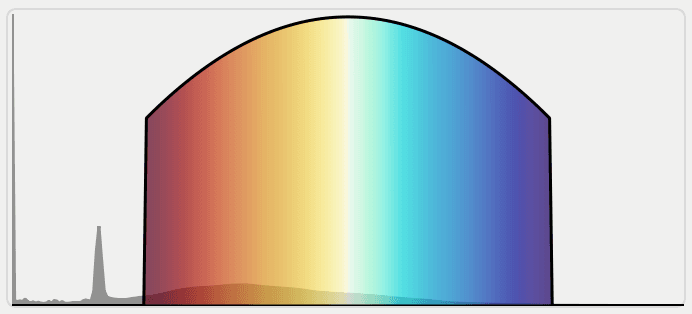
Similar to the application of colormaps to 2D slices in the Image Slice Tab, in this context, the colormap is applied to the entire volume, resulting in a 3D volume render.
The appearance of the volume is calculated using several factors. Adjust these factors precisely using the sliders found below the Volume Chart. You will see the visual results immediately.
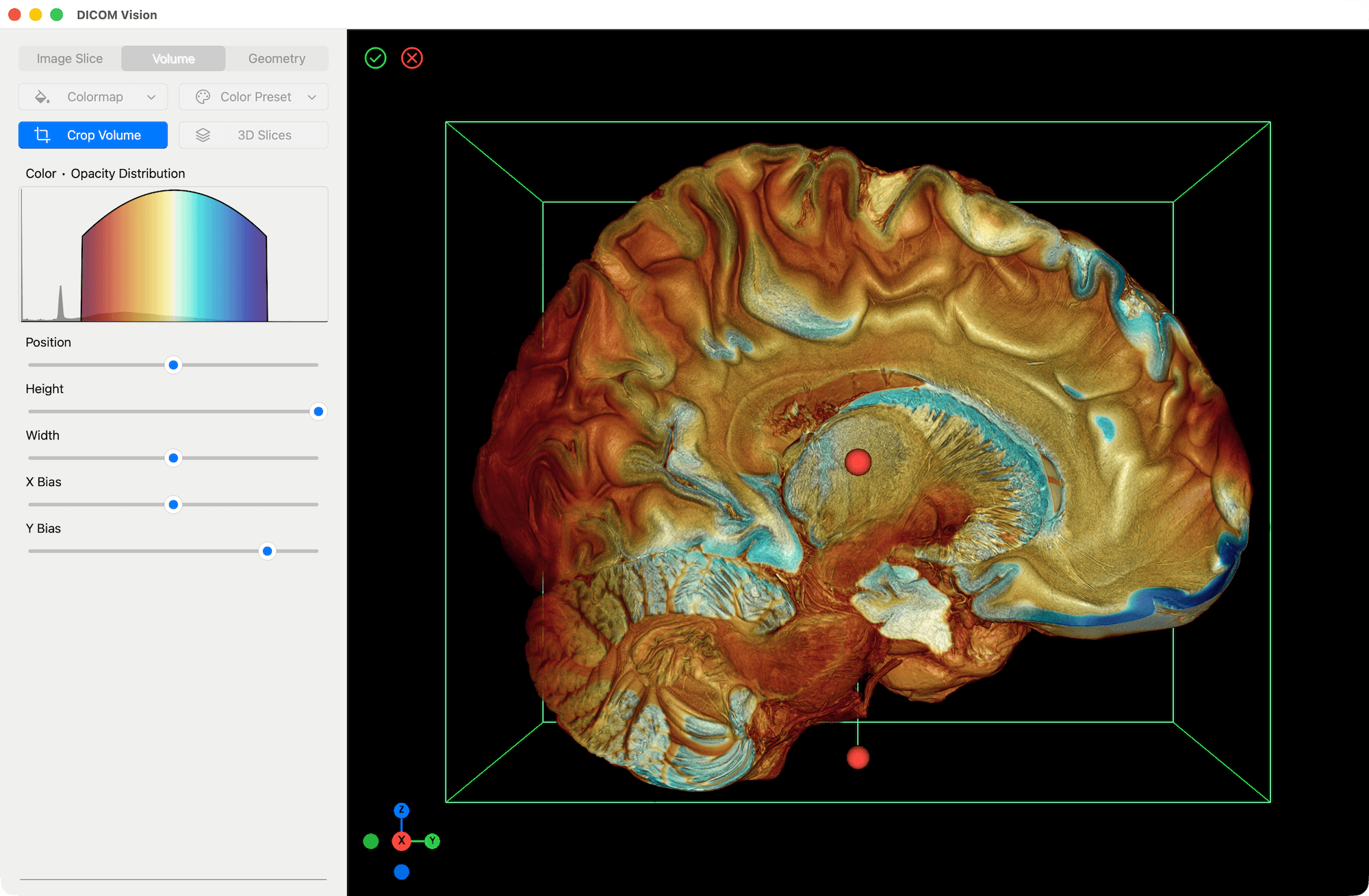
Crop Tool
Reveal internal structures of tissues and organs, as in the example above.
3D Slices
Scroll through Slices in Axial, Sagittal and Coronal orientations in 3D.

Geometry
Create detailed 3D models of anatomical structures, in a format that can be imported and exported for further work.
Create 3D Models
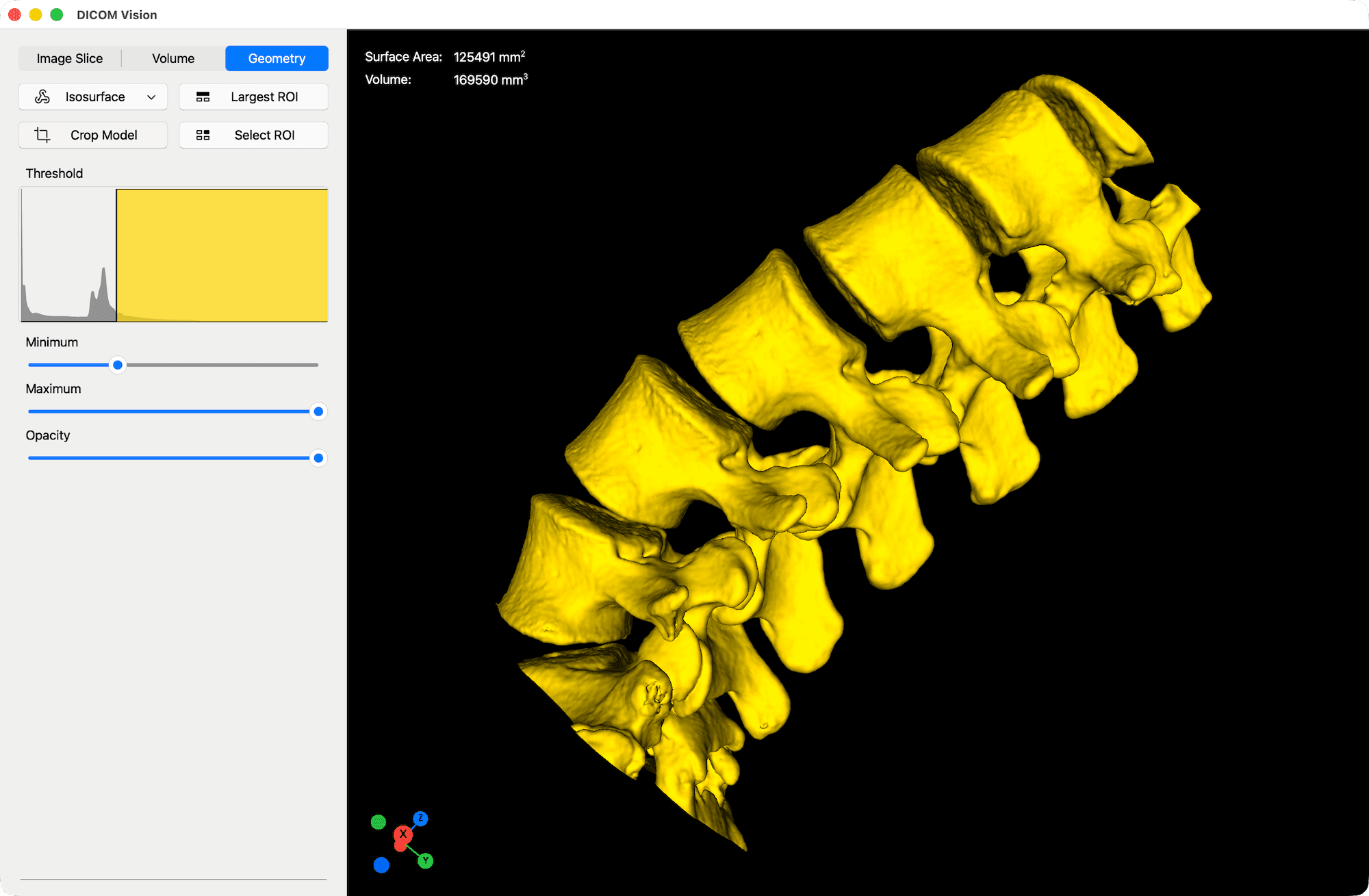
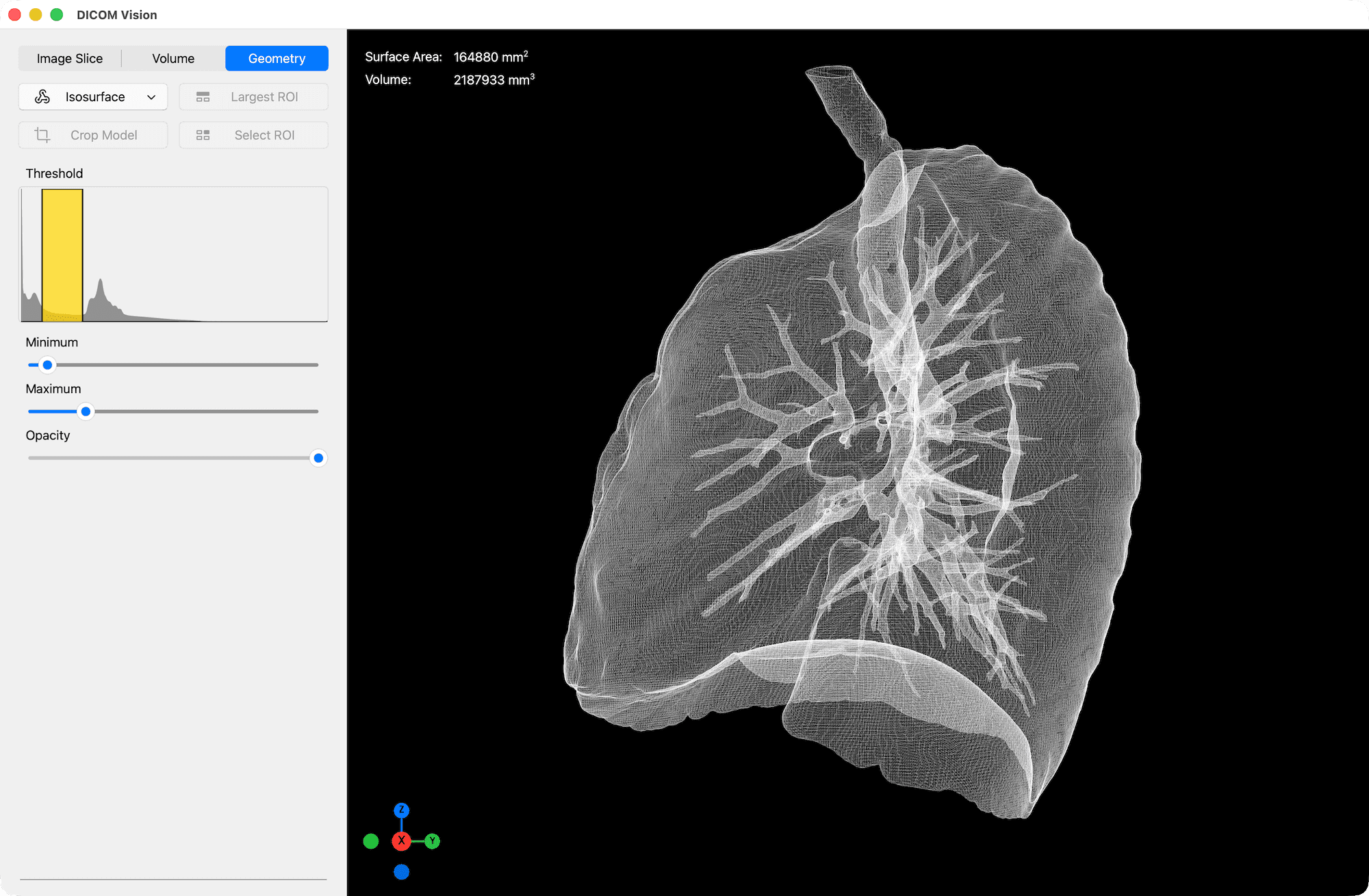
Use the Isosurface tool to create lightweight, interactive surfaces of anatomy like bones or organs.
Given a minimum and maximum value, a 3D Surface will be created representing the areas in your image data that fall within this threshold.
Benefits of geometric models over volumetric models include faster rendering, easy manipulation and precise measurements of volume and surface area.
In the Geometry Tab, you will experience smooth real-time interaction, whether your device is a powerful workstation, or an everyday laptop.
Import & Export
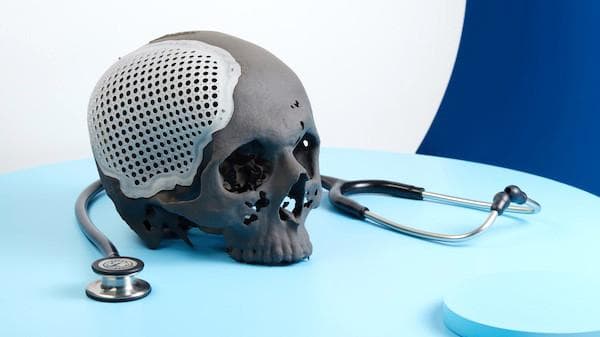
Export your 3D Models in STL format to share with colleagues for consultation or further analysis.
Alternatively, 3D print the exported models for surgical planning, patient education or medical training.

DICOM Vision
Access the Full Experience with a 7-Day Free Trial.